Accounting & Finance

CAMPFIRE X Cube

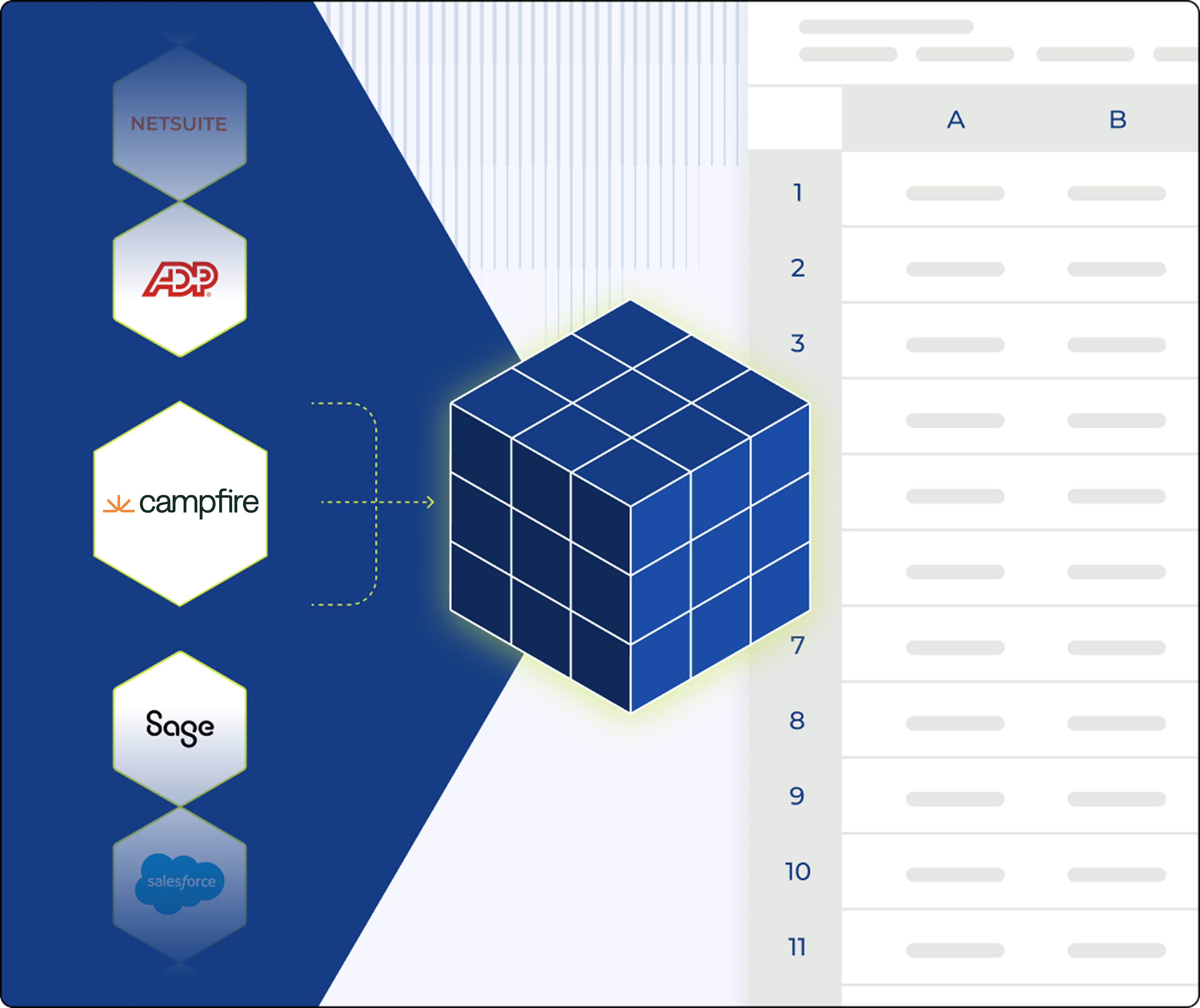
Cube syncs your Campfire general ledger into Excel and Google Sheets, giving finance teams one trusted source of truth for forecasting, reporting, and board-ready analysis.

Campfire integration with Cube AI

Turn your Campfire ledger into FP&A-ready data

campfire to cube data sync

Sync your Campfire data

Connect your Campfire general ledger and pull your chart of accounts, journal entries, and actuals into Cube. No-code, no exports.

workflow native reporting

Report where you already work

Turn your Campfire data into board-ready reports and models where ever you do your work, built on clean, reconciled numbers you can trust.

Trace Campfire data with Cube

TRACE EVERY NUMBER TO THE SOURCE

Click any figure and drill past the summary, past the formula, down to the Campfire transaction behind it.

Reporting Hero (2)

Why integrate Campfire with Cube

Connect your Campfire ledger to Cube and give finance a single source of truth across every workflow. Finance owns the process from day one. No code, no consultants.

  • Accelerate your reporting

    Build the budgets, forecasts, and variance reports your team needs in minutes, instead of waiting on manual ledger exports.

  • Flexible mapping

    Map your Campfire accounts and dimensions to your Cube criteria, and combine multiple sources into one consistent reporting structure.

  • Trust your numbers

    Reduce errors with automated data syncing, and trace every figure back to the Campfire transaction behind it.


Results from teams who got their data under control

tecovas

“Now with Cube, we spend more than half our time on strategic work—partnering with the business instead of cleaning up the numbers.”

James Mann


CFO

YMCA-1

As Cube is based in Excel, it is easy to look at things in different ways to quickly analyze data or change the drivers of your forecast.

Lauren O'Connor


Director of FP&A

FREQUENTLY ASKED QUESTIONS

Campfire X Cube Integration FAQS

Import your Campfire general ledger into Cube to use your actuals for forecasting, reporting, and board-ready dashboards — with no manual exports. Build report templates and interactive dashboards on clean, reconciled data, and trace every figure back to the Campfire transaction behind it.

Cube pulls your Campfire chart of accounts, journal entries, and actuals directly into Cube — no exports or CSVs.

For high-volume ledgers, Cube can sync consolidated balances instead of full transaction detail to keep performance fast.


Yes. Map your Campfire accounts and dimensions to your Cube criteria so the integration fits how your team already reports. Finance owns the mapping from day one — no code, no consultants.
Depending on your volume of data, Cube can pull consolidated or detailed data to prevent performance degradation. High transaction volumes use a consolidated integration to keep syncs fast.
Most teams are connected and reporting in days, not weeks.

Stop Cleaning Data. 
Start Driving the plan.

With Cube, finance teams can focus on what matters—guiding the business forward with speed, precision, and confidence.